How to Manage Multiple Businesses from One Dashboard (Without Losing Your Mind)
Running multiple hustles? Here's how to keep your invoicing, payments, and finances organised across all your businesses from a single dashboard.

Monday morning. You wake up and check your messages. Three WhatsApp groups for three different businesses. A client from your consulting gig asking about an invoice you're not sure you sent. A catering order coming in for Saturday that you need to quote. And your design client wants to know if they can pay the balance from last month's project via mobile money.
Sound familiar?
In Ghana (and across Africa, honestly), running one business is the exception. Most entrepreneurs I know are juggling at least two. A main hustle and a side thing. Sometimes three. A graphic designer who also sells prints. A consultant who caters on weekends. A developer with a photography side business.
The actual work is manageable. It's the admin that quietly falls apart.
The Multi-Business Mess
Here's what managing multiple businesses typically looks like without the right tools:
- Invoices scattered across random folders named "invoice_final_FINAL_v3.pdf"
- Money from all your businesses hitting the same bank account with no way to separate them
- Tax season turning into a guessing game because you can't split revenue by business
- Clients getting mixed up between businesses
- Outstanding payments falling through the cracks because you forgot to check one particular spreadsheet
You're productive. You're hustling. But the paperwork is a disaster.
Why Separate Tools Create More Problems
The obvious solution is to use a different setup for each business. Separate email accounts, separate spreadsheets, separate everything. But this approach has its own costs.
Context switching destroys productivity. Every time you bounce between logins, tabs, and tools, you lose focus. Research shows it takes over 20 minutes to fully refocus after switching contexts. If you're hopping between three businesses throughout the day, you're losing hours without realising it.
You can't see the big picture. Without a unified view, you have no idea how your businesses are doing collectively. Is this month actually good, or is one business propping up the other two? You're running blind.
Things get missed. An overdue invoice in one business doesn't get chased because you forgot to check that particular spreadsheet. A follow up email in another business never gets sent because the reminder was in a different tool. Small gaps add up to real money lost.

The One Dashboard Approach
This is exactly why we built multi-business support into Beeterty from the start. Not as a premium add on. As a core feature.
Separate Businesses, One Login
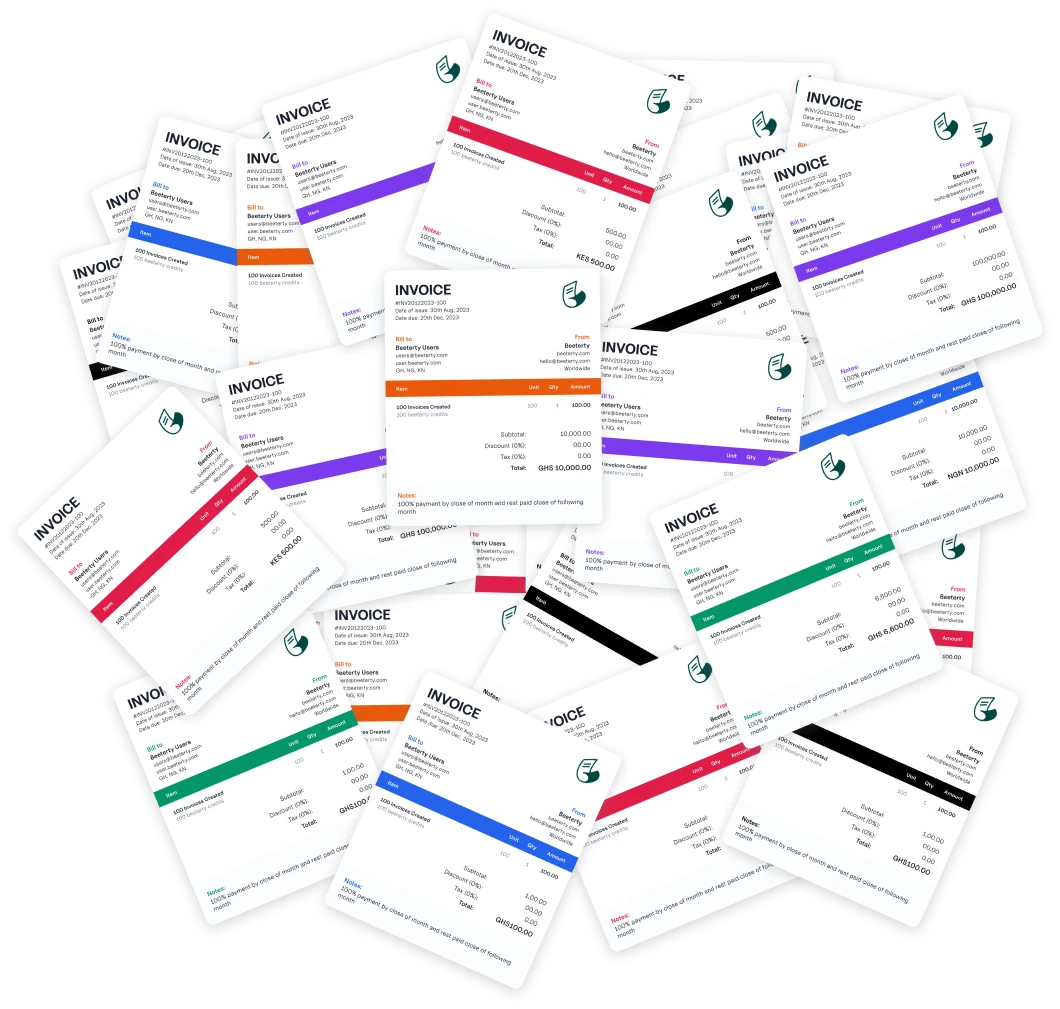
Each business gets its own dedicated space. Its own clients, invoices, branding, and settings. Your design business has its own logo and invoice style. Your catering business has its own. They stay completely separate.
But you access everything from a single login. Switch between businesses with one click. No logging out, no opening new tabs, no juggling passwords.
A Unified Financial Overview
The dashboard shows you how each business is performing on its own and how they're doing together. At a glance you can see:
- Total revenue across all your businesses
- Which business earned the most this month
- Outstanding invoices broken down by business
- Payment trends over time
This kind of visibility helps you make better decisions. If consulting is booming but design work is slowing down, you see it immediately and can adjust.
Per-Business Customisation
Each business can have:
- Its own brand colours and logo on invoices
- Different payment details (separate bank accounts or MoMo numbers)
- Custom invoice numbering (design invoices start at DES-001, catering at CAT-001)
- Different default payment terms
Your clients never know you're managing everything from the same place. Each invoice looks like it came from a focused, professional operation.

Practical Tips for Running Multiple Businesses
Beyond tools, here are habits that keep multi-business operators organised:
Separate your money. Even if your invoicing is centralised, keep different bank accounts or mobile money wallets for each business. This makes accounting infinitely easier and removes the guesswork at tax time.
Batch your business time. Instead of jumping between businesses throughout the day, dedicate blocks to each one. Monday mornings for consulting. Afternoons for design. This reduces context switching and keeps you focused.
Invoice immediately. The longer you wait to send an invoice, the more likely it gets forgotten. This is doubly true when you're managing multiple businesses. Send the invoice the moment the work is done.
Review weekly. Set aside 30 minutes every week to check all your businesses. Look for unpaid invoices, follow up on overdue payments, and update your records. This small investment prevents the end of month scramble.
Keep Your Hustle, Lose the Chaos
Running multiple businesses is already demanding. Your tools shouldn't add to the stress. The right setup puts everything in one place so you can focus on the work that actually brings in money.
Your hustle is impressive. Your invoicing system should be able to keep up with it.
Related Articles
Business
Choosing Invoicing Software as an African Freelancer: An Honest Comparison
Wave, Zoho, QuickBooks, or something built locally? A straight comparison of invoicing tools for freelancers and small businesses in Ghana and across Africa, including where each one falls short.
Business
How to Price Your Services as an African Freelancer (Without Selling Yourself Short)
Undercharging is the most common mistake African freelancers make. Here's a practical framework for setting freelance prices that reflect your value and sustain your business.
Business
Why Every Small Business Needs Invoicing Software (Not Word Docs)
Still creating invoices in Microsoft Word or Google Docs? Here's why switching to invoicing software will save you time, make you look professional, and help you track payments properly.