Choosing Invoicing Software as an African Freelancer: An Honest Comparison
Wave, Zoho, QuickBooks, or something built locally? A straight comparison of invoicing tools for freelancers and small businesses in Ghana and across Africa, including where each one falls short.

We build one of the tools in this comparison, so read this with that in mind. We have tried to write the version we would have wanted before we started, including the parts where we are not the right answer.
There is no best invoicing software. There is software that fits how you work and software that does not, and most of the frustration people have comes from picking a tool built for a different kind of business.
Start With What You Actually Do
Before comparing anything, answer three questions honestly.
How many invoices do you send a month? If it is one to fifty, you are in the range where a focused invoicing tool works well. If it is hundreds, or they are highly repetitive, you need automation that most simple tools do not have.
Do you need bookkeeping, or do you need to get paid? These are different products. Bookkeeping software tracks ledgers, reconciles bank feeds, and produces statutory accounts. Invoicing software gets a professional document to a client and tracks whether they paid. Many freelancers buy the first when they only needed the second.
Who else touches your numbers? If it is only you, almost anything works. If an accountant, a partner, or staff need access, permissions matter a great deal and are often an afterthought.

The Realistic Options
Full accounting software: Zoho Books, QuickBooks, Xero
What they are genuinely good at. Deep, mature, and comprehensive. Bank reconciliation, inventory, payroll integrations, multi-currency with live rates, proper financial statements, and an ecosystem of accountants who already know them. If your accountant asks you to use QuickBooks, there is a real reason for that and you should probably listen.
Where they hurt. They are built for markets that are not ours, and it shows in small ways that add up: tax setups that assume rules from elsewhere, payment methods that do not include mobile money, and pricing in foreign currency that stings when the cedi moves. The bigger problem is weight. There is genuine setup work before you can send your first invoice, and if all you needed was an invoice, you have bought a great deal of machinery you will never switch on.
Choose them if you have real accounting needs, an accountant who wants them, or a business complex enough to justify the setup.
Free invoice generators and templates
What they are good at. They cost nothing and work immediately. For a first invoice or a very occasional one, they are entirely reasonable.
Where they hurt. There is no memory. Nothing tracks whether the invoice was paid, nothing keeps your numbering sequential, nothing follows up, and nothing tells you what you earned last quarter. You are still doing the actual work by hand. The generator only formats the document. This is the Word template problem with a nicer font, and we wrote about why that breaks down in Why Every Small Business Needs Invoicing Software.
Choose them if you send fewer than a handful of invoices a year.
Wave
What it is good at. Genuinely free for invoicing and accounting basics, well designed, and popular for good reason.
Where it hurts. Availability and payment support are geared toward North America, so the parts that make it compelling there, integrated payments in particular, are often not the parts available to you here. Worth checking what actually works from Ghana before committing your workflow to it.
Beeterty
Ours, so treat this section with appropriate suspicion.
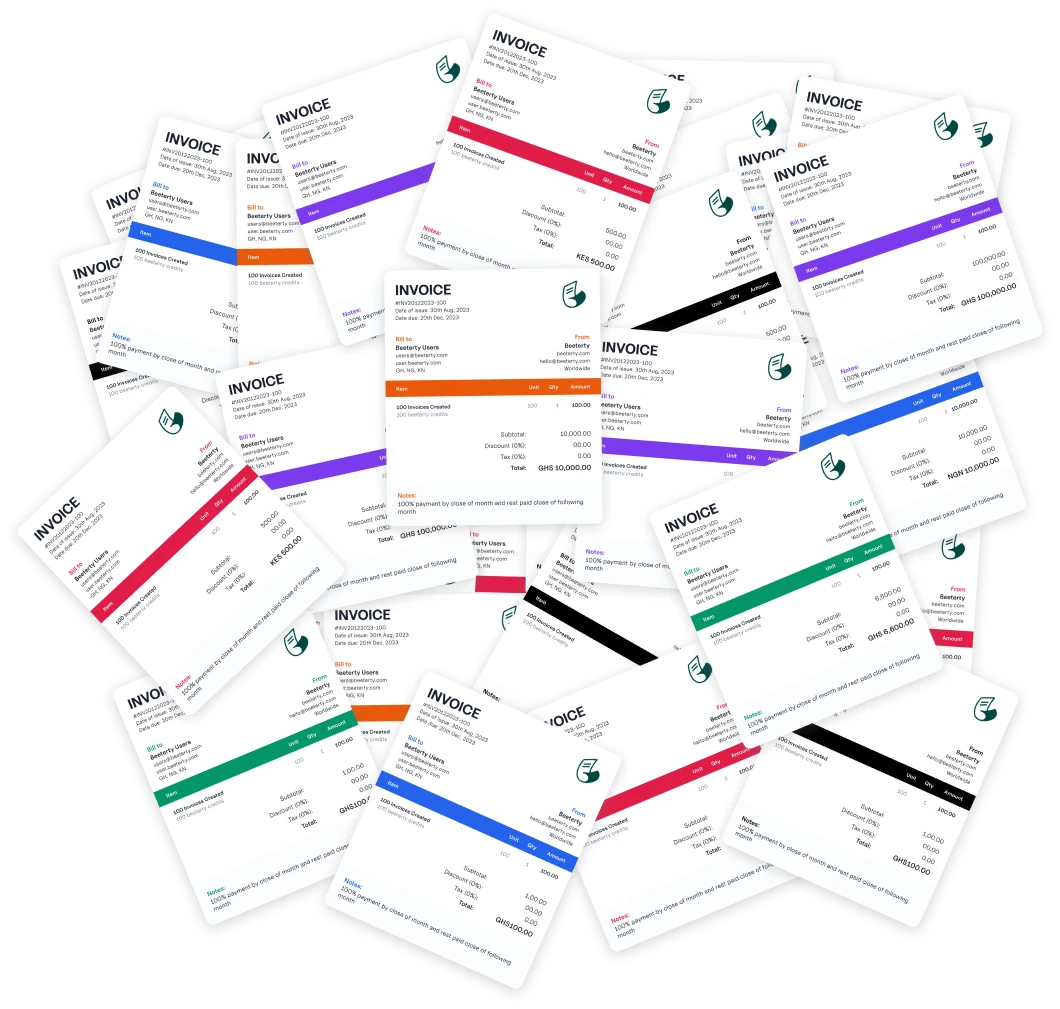
What we are good at. Invoicing, receipts, and knowing where your money came from. That is the whole scope. Branded invoices with your logo and colours, receipts issued automatically when payment is recorded, custom and multiple tax rates on one invoice, several businesses under one login, and scoped access for an accountant. Built mobile-first, because that is how most of our users actually work. There is a free tier and no card required to start.
Where we are not the answer. We are not accounting software: no bank reconciliation, no payroll, no statutory accounts. Recurring invoices are not built yet. Online payment collection is not built yet, so payments are recorded manually. We are a three-person bootstrapped team, which means we ship steadily but we are not going to out-feature a company with two hundred engineers. And if you need dozens of invoice templates or multi-step approval workflows, we are the wrong tool and will stay the wrong tool for a while.
We keep a current list of what does and does not exist on the features page, including a "coming soon" section, precisely so nobody discovers a gap after signing up.
Choose us if you send 1 to 50 invoices a month, want them to look professional without setup work, care about African tax rates and mobile-first use, and want receipts handled for you.
The Questions That Actually Matter Locally
Feature lists rarely capture what determines whether a tool works here.
Does it handle your tax rates? Ghana now applies VAT at 15% plus NHIL at 2.5% plus GETFund at 2.5% on the same base, with withholding tax deducted separately. A tool that only allows one tax rate per invoice cannot represent that correctly. Check this before anything else. We covered the detail in Ghana's New VAT Rules in 2026.
Does it genuinely work on a phone? Not "has a responsive website". Can you actually create and send an invoice from your phone while standing in a client's office? A great many people here work this way and a great many tools assume you do not.
What happens when a client pays by mobile money? If recording that payment is awkward, you will stop recording payments, and then the tool is worthless regardless of its feature list.
Can you get your data out? Whatever you pick, you will eventually leave. Check the export before you need it.
Is the price stable in your currency? Foreign-currency subscriptions get more expensive without the vendor changing anything.
The Honest Summary
| If you… | Use |
|---|---|
| Send 1–2 invoices a year | A free template |
| Send 1–50 a month and want to get paid | A focused invoicing tool |
| Need bookkeeping, payroll, or statutory accounts | Zoho Books, QuickBooks, or Xero |
| Need dozens of templates or approval chains | Enterprise accounting software |
| Want African tax rates and mobile-first | A locally built tool |
The right question is not which tool is best. It is which tool is aimed at the business you actually run. Being honest with yourself about that will save you more time than any feature comparison.
Related Articles
Business
How to Manage Multiple Businesses from One Dashboard (Without Losing Your Mind)
Running multiple hustles? Here's how to keep your invoicing, payments, and finances organised across all your businesses from a single dashboard.
Business
How to Price Your Services as an African Freelancer (Without Selling Yourself Short)
Undercharging is the most common mistake African freelancers make. Here's a practical framework for setting freelance prices that reflect your value and sustain your business.
Business
Why Every Small Business Needs Invoicing Software (Not Word Docs)
Still creating invoices in Microsoft Word or Google Docs? Here's why switching to invoicing software will save you time, make you look professional, and help you track payments properly.